Change settings
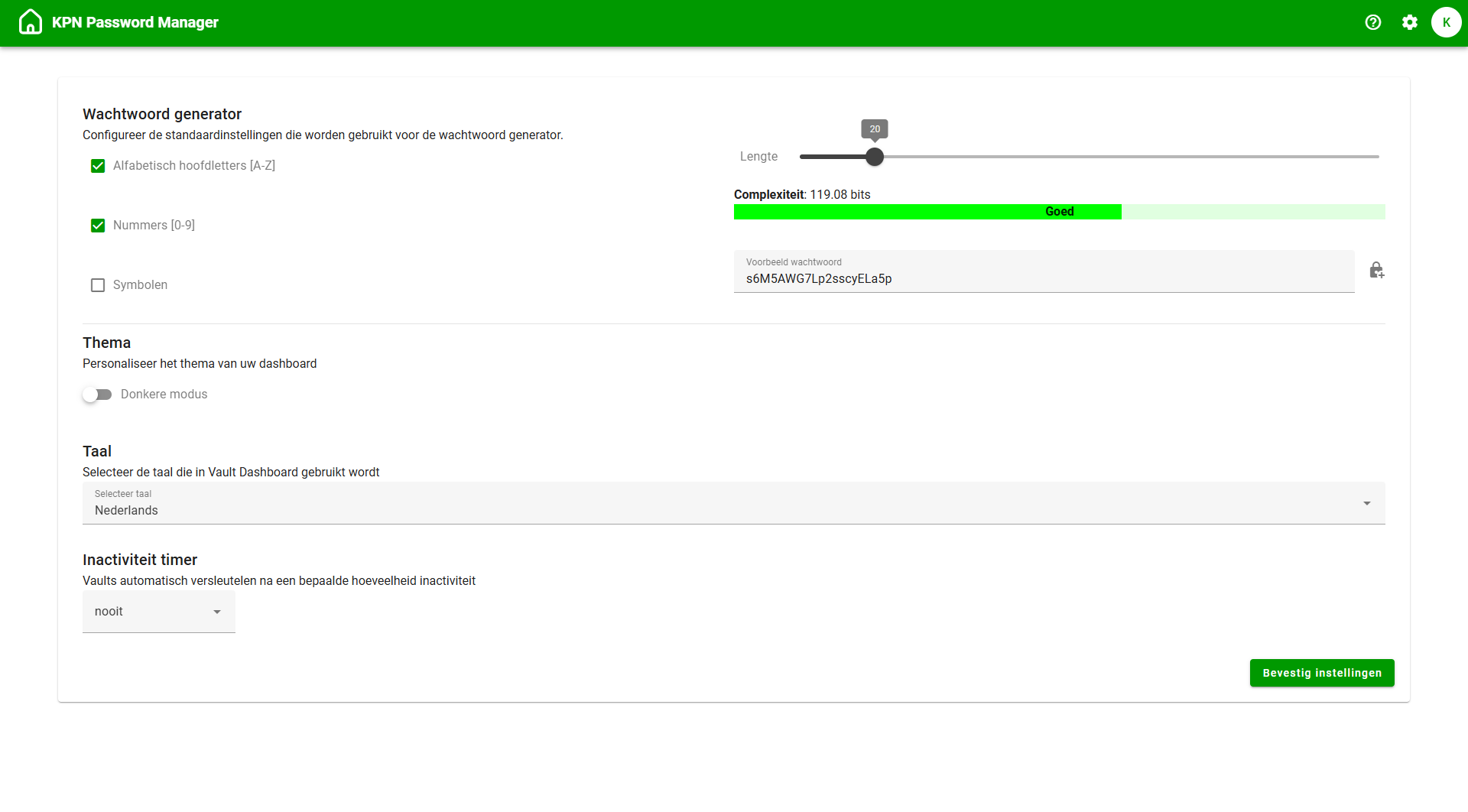
In the top right of the green bar, you’ll see a button to access your Settings. From here, you can configure the following:
Password Generation
Adjust the settings for generating passwords. The number and variety of characters determines the complexity and thus the strength of your password.Theme
Choose between dark mode and light mode for the web application.Language
Choose between Dutch or English.Inactivity timer
Set a time interval after which vaults should automatically be locked due to inactivity.