
Password security check
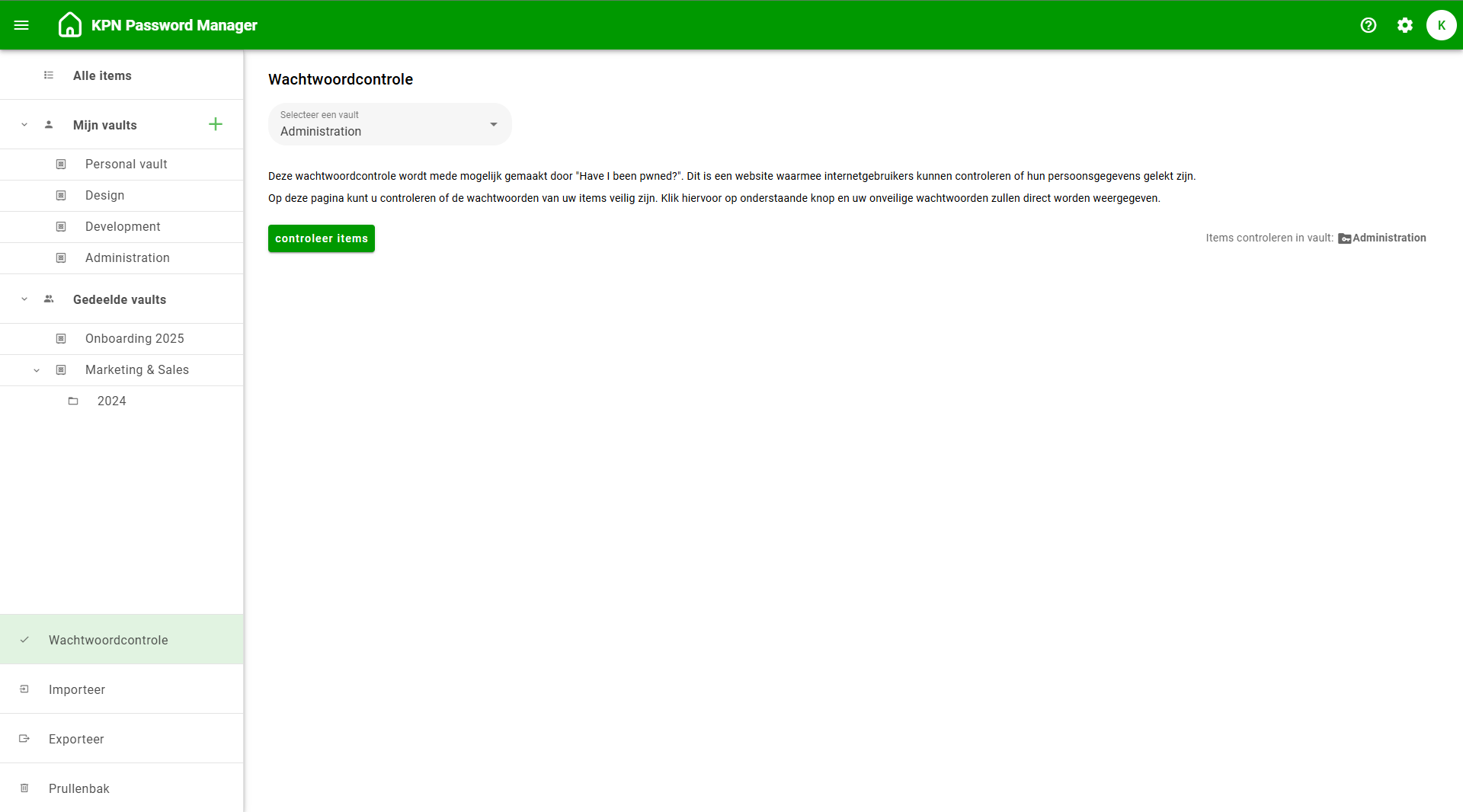
In the web application of the KPN Password Manager, it is possible to perform a password check per vault. You can find the password check at the bottom of the left-hand side menu. The password check helps you verify whether your passwords are still secure.
At the top of the screen, select a vault and click on Check items. The password check is powered in part by “Have I Been Pwned?” and provides insight into whether your passwords:
- Are too short and/or too easy
- Appear multiple times in your vault
- Have been leaked or compromised
Passwords that are flagged as unsafe should be updated immediately. To do this, go to the website or (mobile) app associated with the password and create a new one. Then update this password in your KPN Password Manager. You can also generate a new password in the KPN Password Manager and use this when changing your password on the website/app.