
Using vaults
What are vaults?
A vault is a special folder that you can share with other users and, if you're using two-factor authentication, protect with an extra layer of security. Your (login) credentials are always stored in a vault. After logging into your account, you’ll need to create a vault before you can add any data. Vaults can be created, unlocked, and encrypted. In the web application, you can rename, share, and delete vaults.
Creating a vault
When you log in to the KPN Password Manager iOS app, you’ll see an overview of your vaults. To create a vault, click the button in the top right corner of the vault overview. A window will open asking you to name the new vault. This name must be unique and cannot start or end with a space.
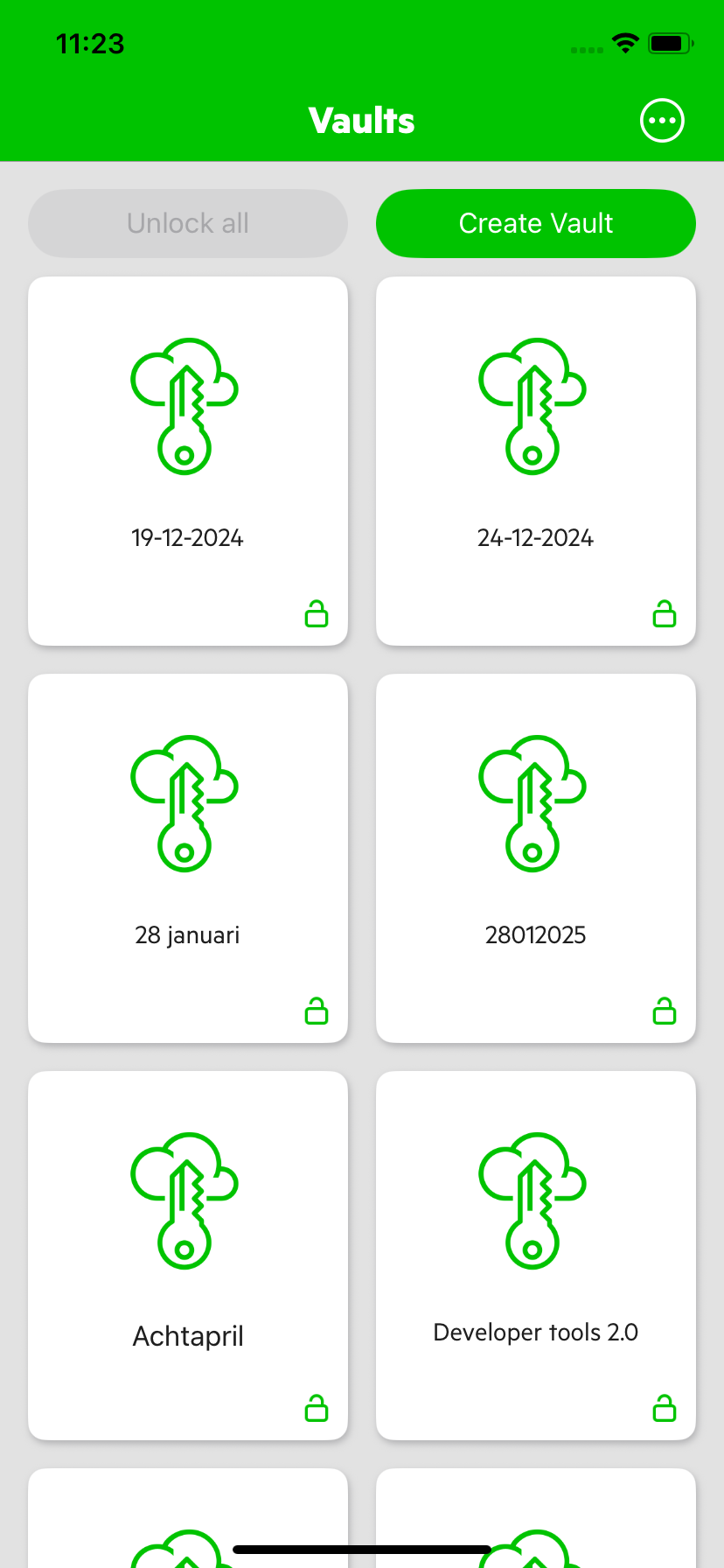
Unlocking and encrypting vaults
You can unlock and encrypt vaults individually or all at once. A vault can only be viewed when it is unlocked. This feature is especially valuable when using two-factor authentication. In that case, unlocking a vault is only possible after successful authentication.
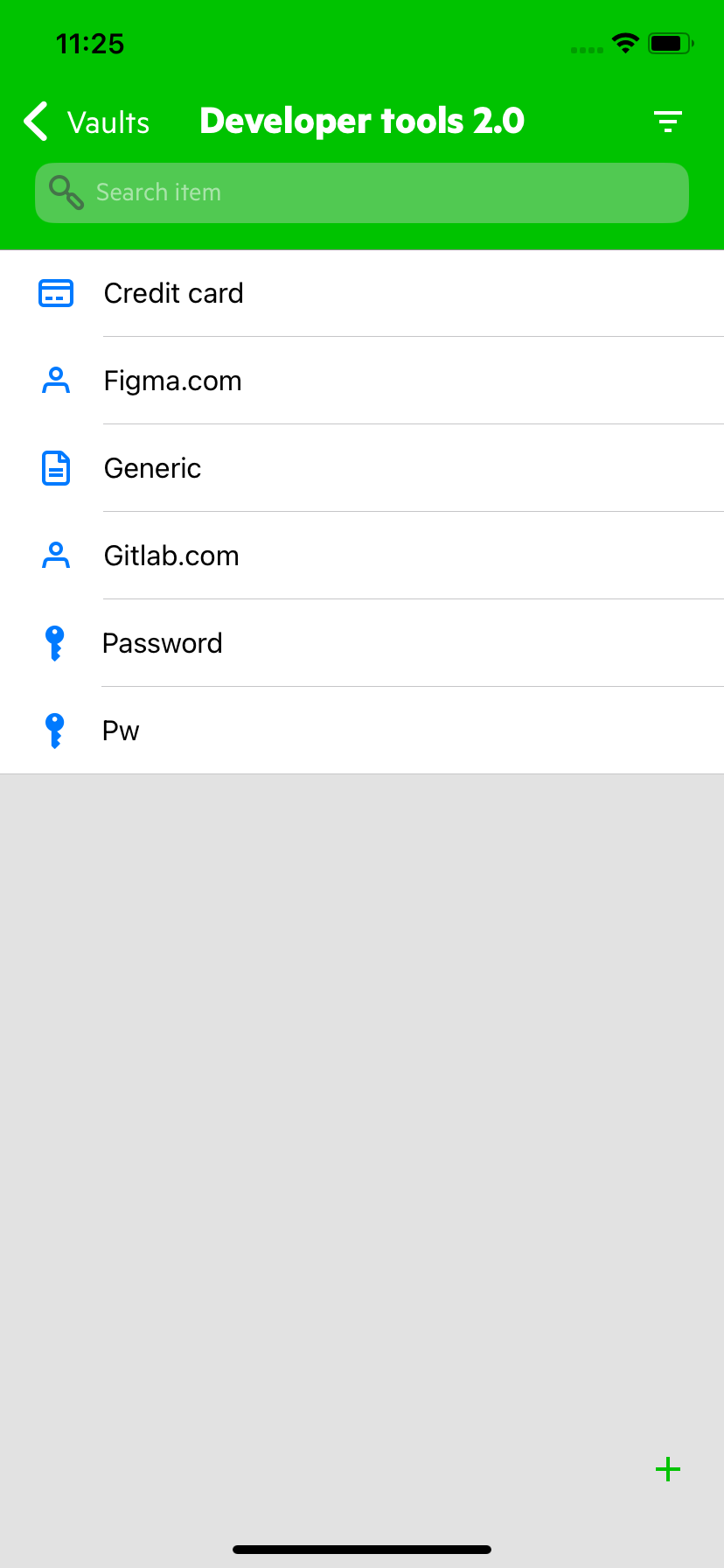
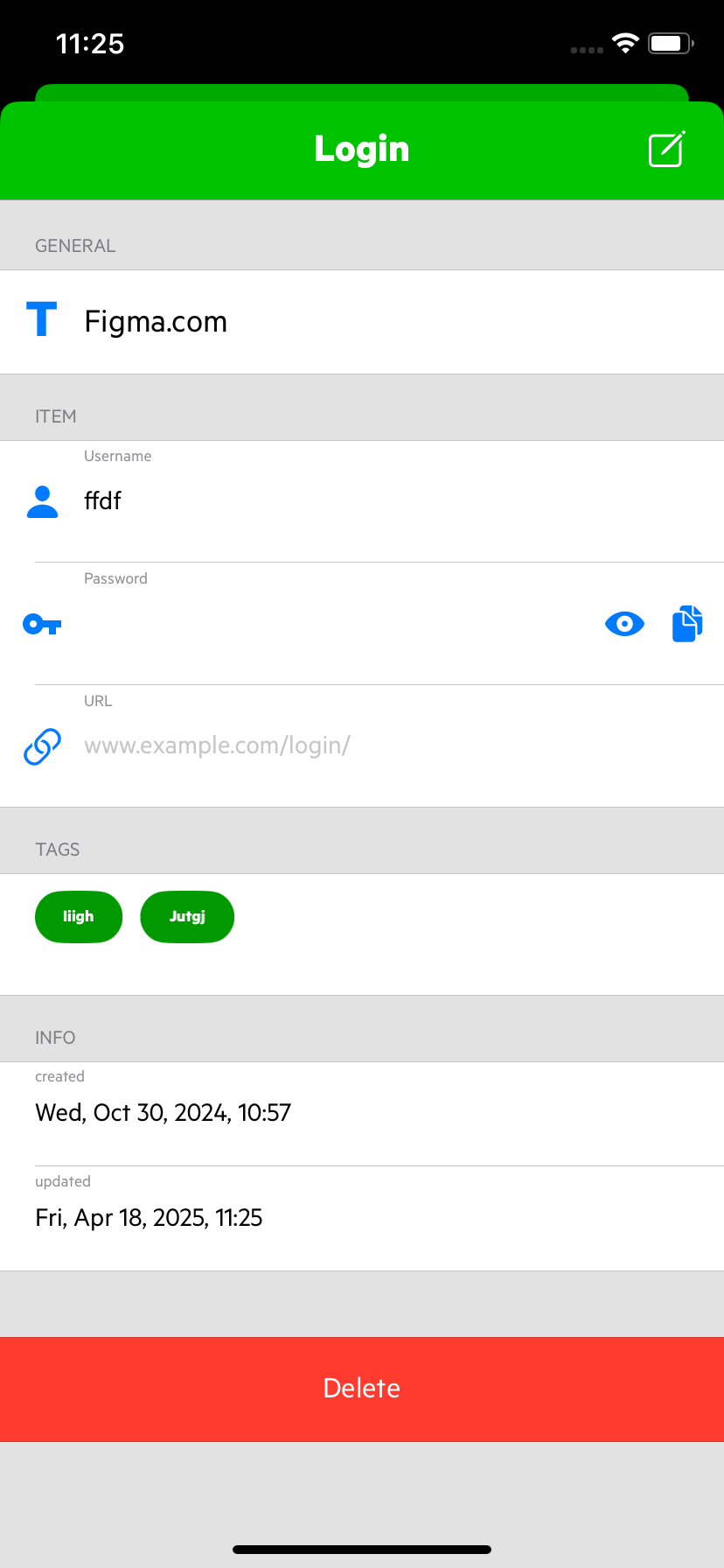
To access an unlocked vault, simply click on it. You’ll be taken to the vault’s main page.
 |  |
|---|